
New Mobile App & Online Banking Platform Launching Monday Nov. 2
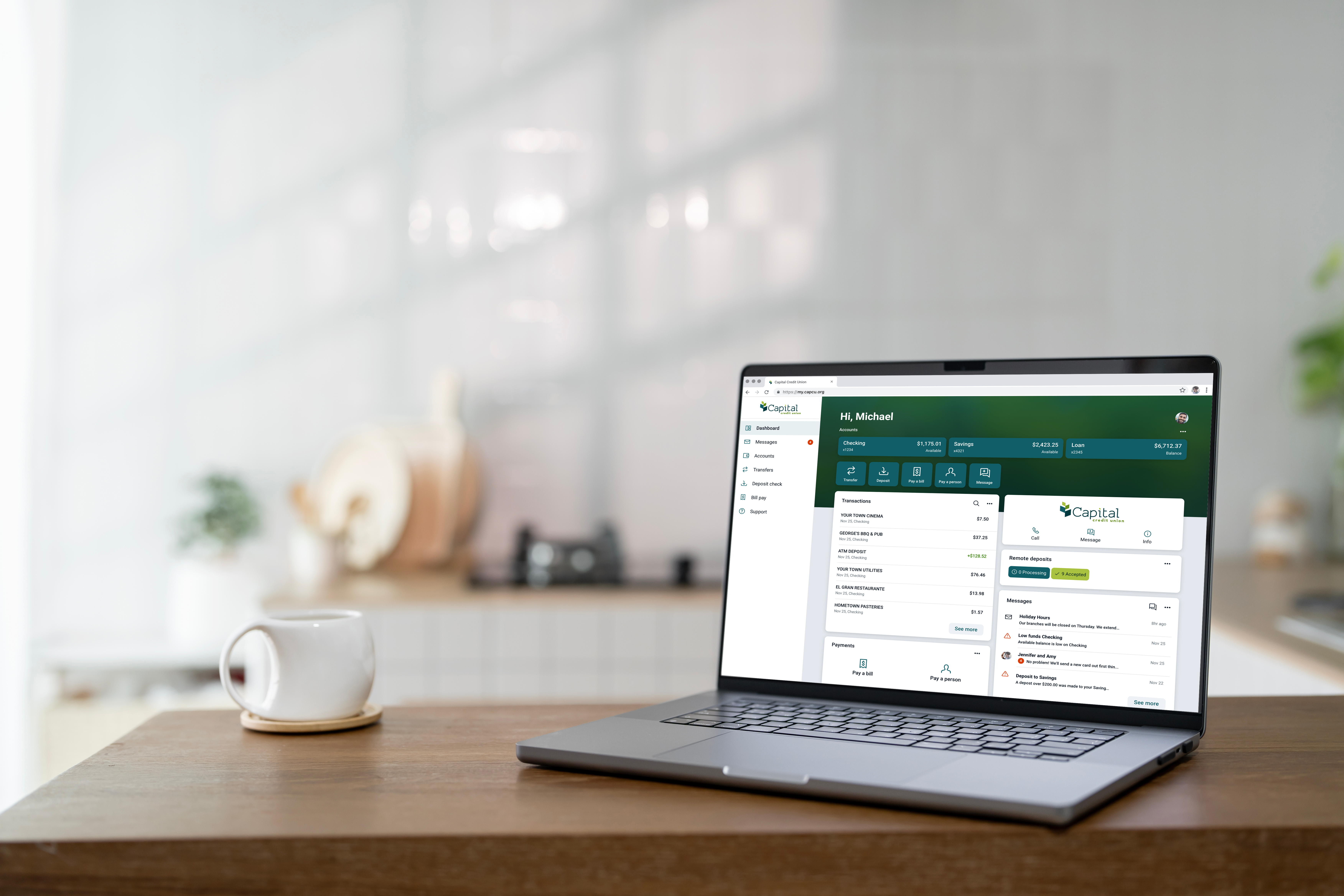
- The current mobile app and online banking platform will no longer be available starting at 1 p.m. on Friday, Oct. 30.
- Help ensure a smooth upgrade by reviewing the important details below.
To prepare for the upgrade, please be sure:
- You know your member / account number. Your member / account number can be found at the top of your monthly account statement, within the current mobile app and CU Online, or on a membership card available at any branch.
- We have your current email address and mobile phone number. The email address and mobile phone number we have on file for you can be found by choosing the profile icon in the current mobile app and CU Online, then selecting "Profile." If needed, your mobile phone number can be edited by selecting the applicable field, entering the correct number and choosing "Submit."
These items will be required to re-establish your online banking access after the new mobile app and online platform launch on Monday, Nov. 2, 2026.
Have questions? Check out the answers to our most frequently asked questions below.
Your member / account number can be found at the top of your monthly account statement, within the current mobile app and online banking platform or on a membership card available at any branch. You can also call us at 701.255.0042 for assistance. Your member / account number is not the number on the bottom of your check blanks.
Beginning Monday, Nov. 2, 2026, download the new app (app name: Capital CU ND Mobile) from the Apple App Store or Google Play. To re-establish your account, you will need your member / account number, a new username and a new password.
Beginning Monday, Nov. 2, 2026, visit capcu.org. To re-establish your account, you will need your member / account number, a new username and a new password.
No, you will need to create a username and password when re-establishing your account. If your previous username and password meet the new platform's requirements, you may be able to use them again.
Yes, all Capital Credit Union accounts you have access to today will continue to be available.
Account nicknames you created within online banking will not transfer and must be re-established after Monday, Nov. 2, 2026. Nicknames longer than 16 characters will be truncated.
Alerts and notifications you created within online banking will not transfer and must be re-established after Monday, Nov. 2, 2026. Alerts and notifications established by Capital Credit Union will transfer automatically.
No, receipt images stored in the current system will not transfer to the new platform.
Yes, your transaction history will be available in the new mobile app and online banking platform.
Yes, your eStatement history will be available in the new mobile app and online banking platform.
Yes, recurring transfers and loan payments will transfer to the new mobile app and online banking platform.
Your Bill Pay payees will transfer; however, recurring Bill Pay payments will not transfer and will need to be re-established after Monday, Nov. 2.
No, you will need to reconnect your account with Quicken, QuickBooks and Mint after Monday, Nov. 2. A data file backup and final transaction download should be completed by Thursday, Oct. 29. Please make sure to complete the final download before this date since transaction history might not be available after the upgrade.
Click here for conversion instructions for your specific finance management software.
Click here for conversion instructions for your specific finance management software.
No, the current mobile app and online banking platform will no longer be available starting at 1 p.m. on Friday, Oct. 30.
Whether you're logging in for the first time or exploring new features, our User Guide and How-To Videos will help you confidently navigate CU Online and our mobile app.